01 Oct 2026 → Present
Hangover
Hangover is a free, open-source Mac app (GPL-3.0) that turns the MacBook notch into a small control surface. It needs macOS 14 or later and an Apple silicon Mac. The black pill at the top of the screen is the closed island, and it opens into a page of widgets when you point at it.
It is built on Open Island, an open-source app by Octane0411 that shows coding agents such as Claude Code and Codex in the notch. I forked it in October 2026. The agent features are theirs. What I added is everything about the island as a place for your day: the widgets page, the layouts, what the closed island shows, the glow, the welcome tour, and the new name, icon, download page and releases.
The clips on this page are screen recordings of the real app, with sample content in place of anyone's music or calendar.
- Built on
- Open Island by Octane0411, which I forked in October 2026
- Role
- I designed, built and shipped the additions on top of it
- Stack
- Swift 6.2, SwiftUI, AppKit, EventKit, ScreenCaptureKit, Core Audio, Swift Testing, Sparkle
- Platform
- macOS 14 or later, Apple silicon
- Tests
- Over 2,500 automated tests
- Releases
- Fifteen, 1.0.0 to 1.0.14, from Oct 9 to 18, 2026
- License
- GPL-3.0, free
Screens
These are screen recordings of the app itself, running with sample content instead of my own music, calendar or tasks. A script inside the app drove it, which is why no pointer shows. The mirror and photo booth need a camera and are not recorded. The last picture is a still of sample strips.
01 / 12 · The welcome tour opens
01
The welcome tour opens
The tour opens in its own window under the closed island. It says the island lives in the notch, then asks what you want it for, how it should open and what the closed island should show.
02
Try each widget on the real island
A middle page of the tour sits beside the real island and walks the widgets with Try it buttons: play and skip a track, switch the calendar between its looks, then start and stop a one minute timer.
03
Pick a layout, move a widget
The island changes as you choose a starting layout, Day planner and then Focus session. The next page has you pick a widget, drag it to a new spot and shows how to change its size.
04
The last pages
The glow, which permissions Hangover asks for and when, what it connects to, a few tricks worth knowing, and a summary of what you picked.
05
The calendar's five looks
The calendar widget switched through its five looks: day strip, agenda, timeline, hero and month.
06
Weather and layout templates
The weather card goes from the next hours to the next seven days. Then three layout templates replace the page in turn: Day planner, Study day and Now playing.
07
What the closed island shows
While music plays the closed island shows the album art and moving bars. Then a timer counts down, a charging notice comes in, and a notice for the next calendar event follows.
08
The sides and the glow
Each side of the closed island can show something different. Here the right side goes through the date, battery, weather and open to-dos. After that music plays with the glow set to Vivid, and the next track changes the album art.
09
Play, pause and skip
The open island with its music widget: pause, play again and skip to the next track.
10
To-dos and a timer
Check off a to-do, add a new one and start a 25 minute timer. Closing the island leaves the pill showing the time left.
11
Notes, layouts and editing
Save a quick note, switch to the Focus session layout and undo it. Then press and hold to edit: move the timer to the top and make the to-do widget larger.
12
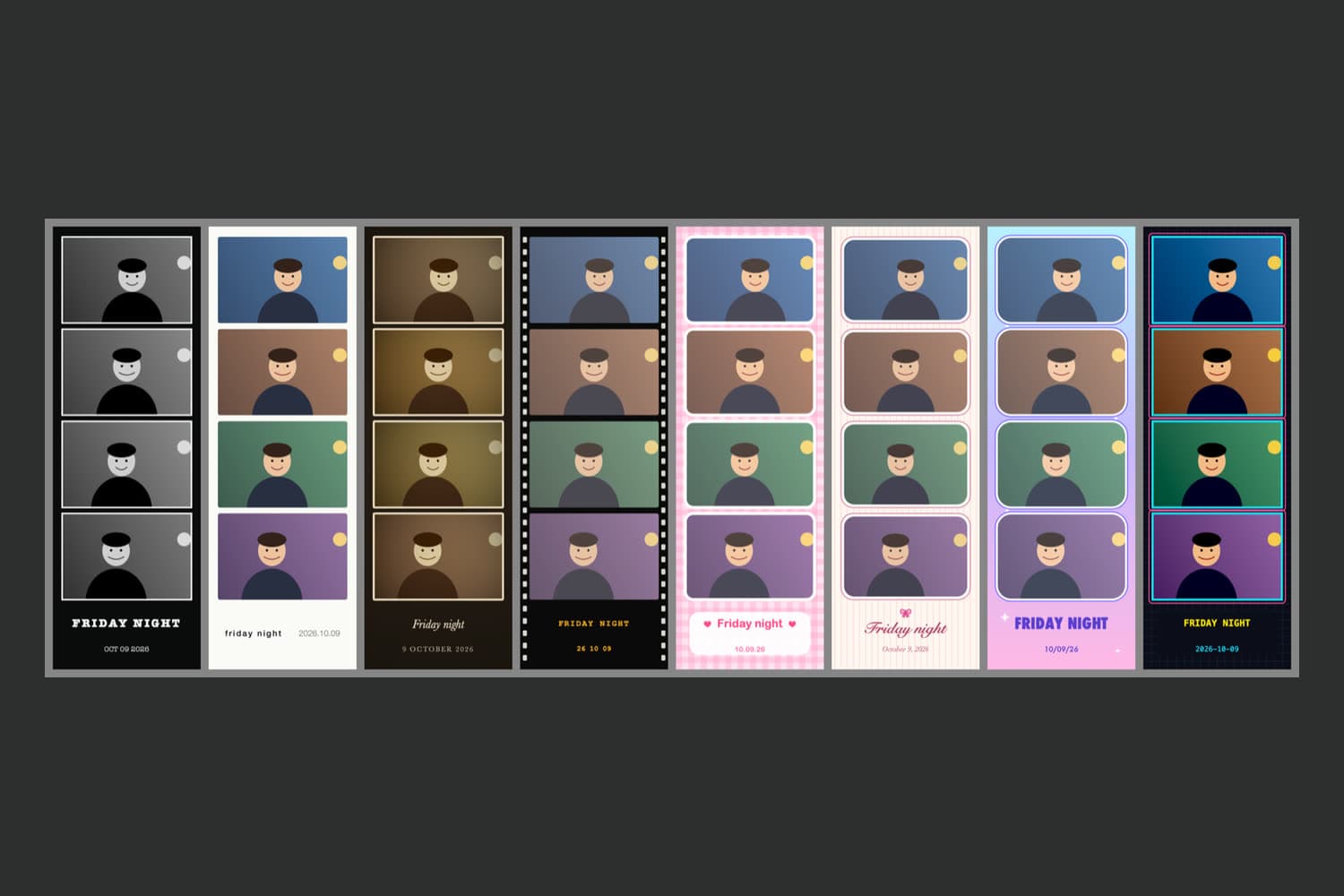
Photo booth strips
This one is a picture, not a recording: sample strips drawn with cartoon faces. The mirror and photo booth need a camera, which is why they are not recorded.
Design
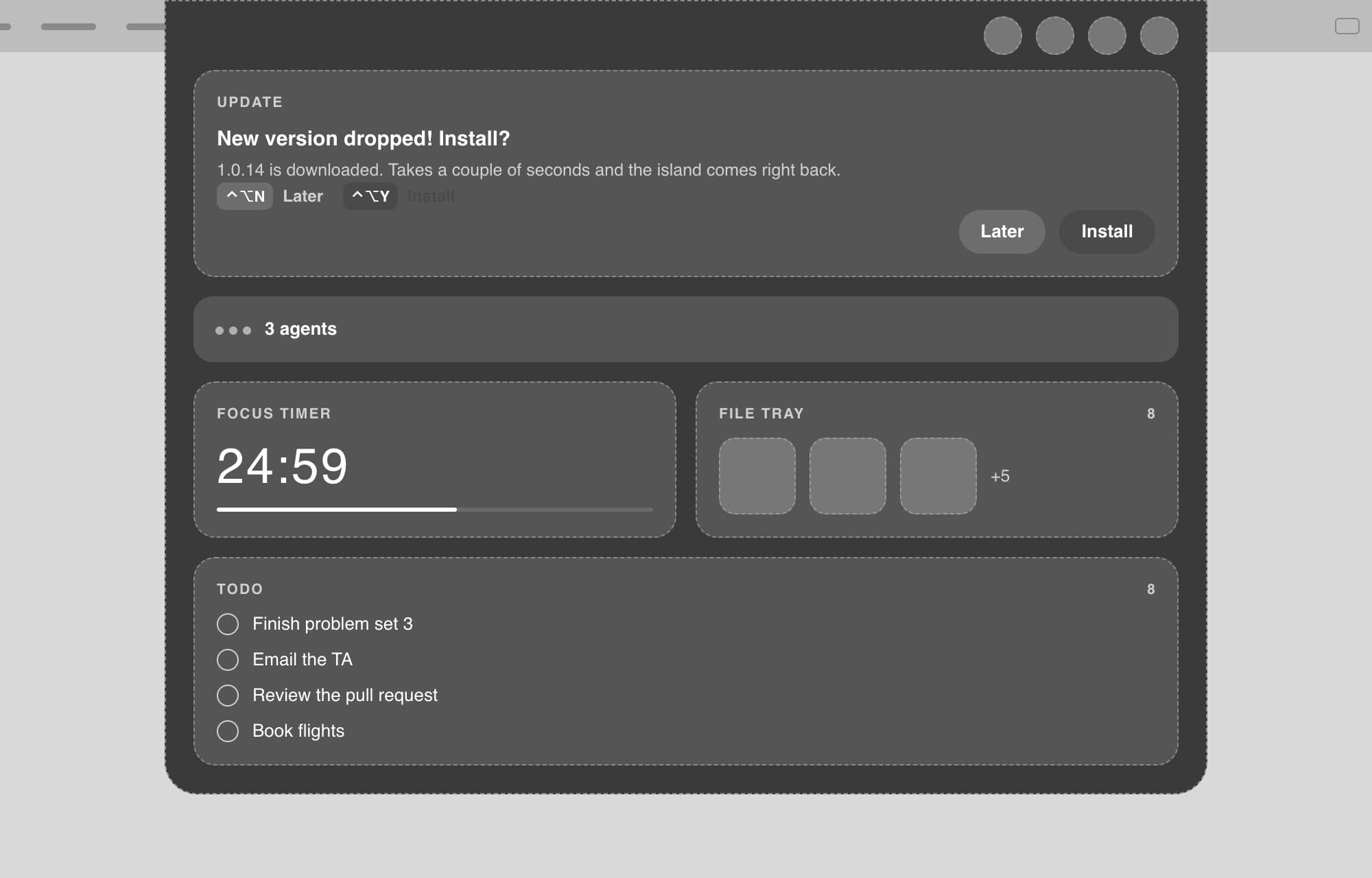
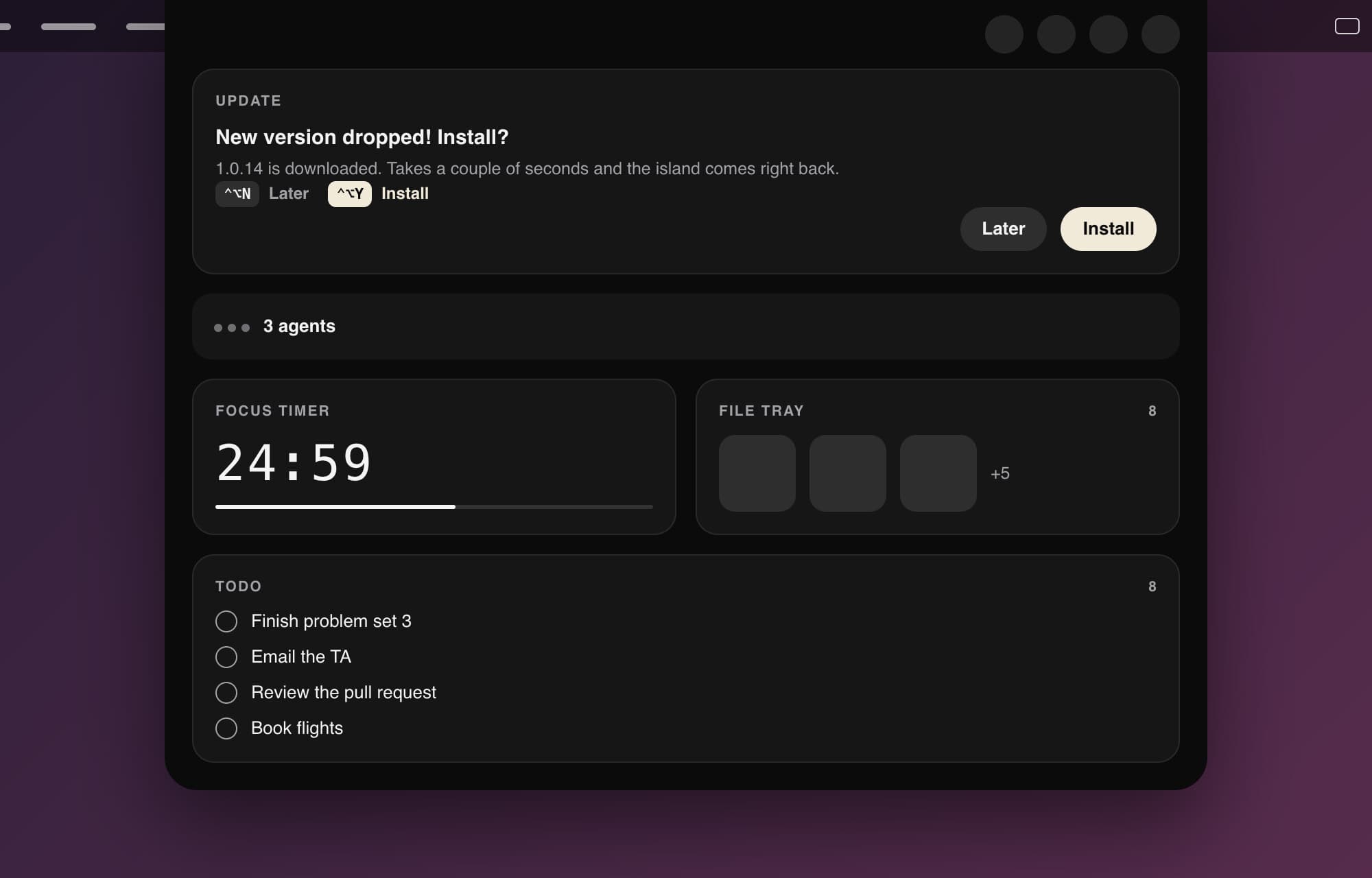
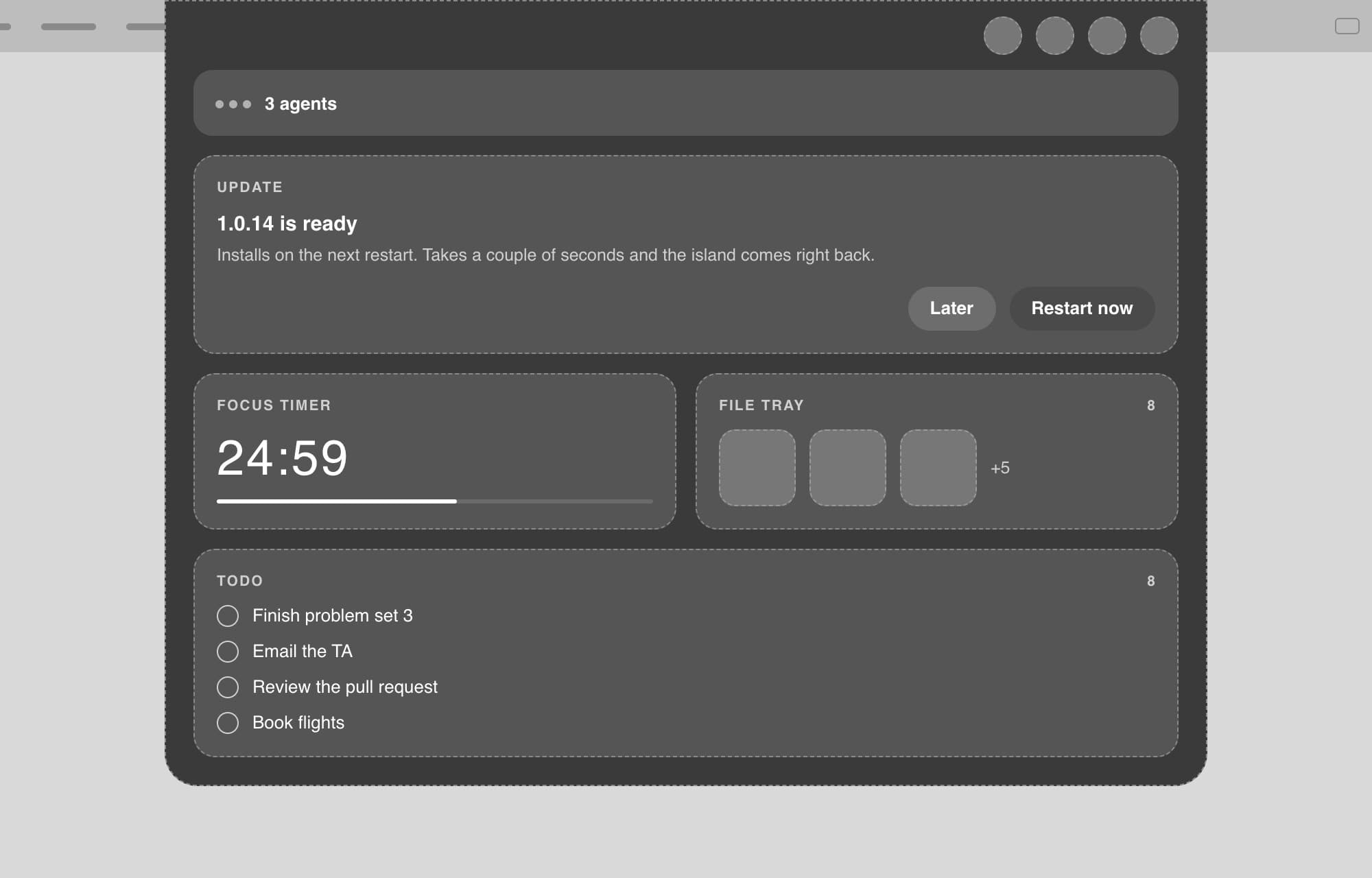
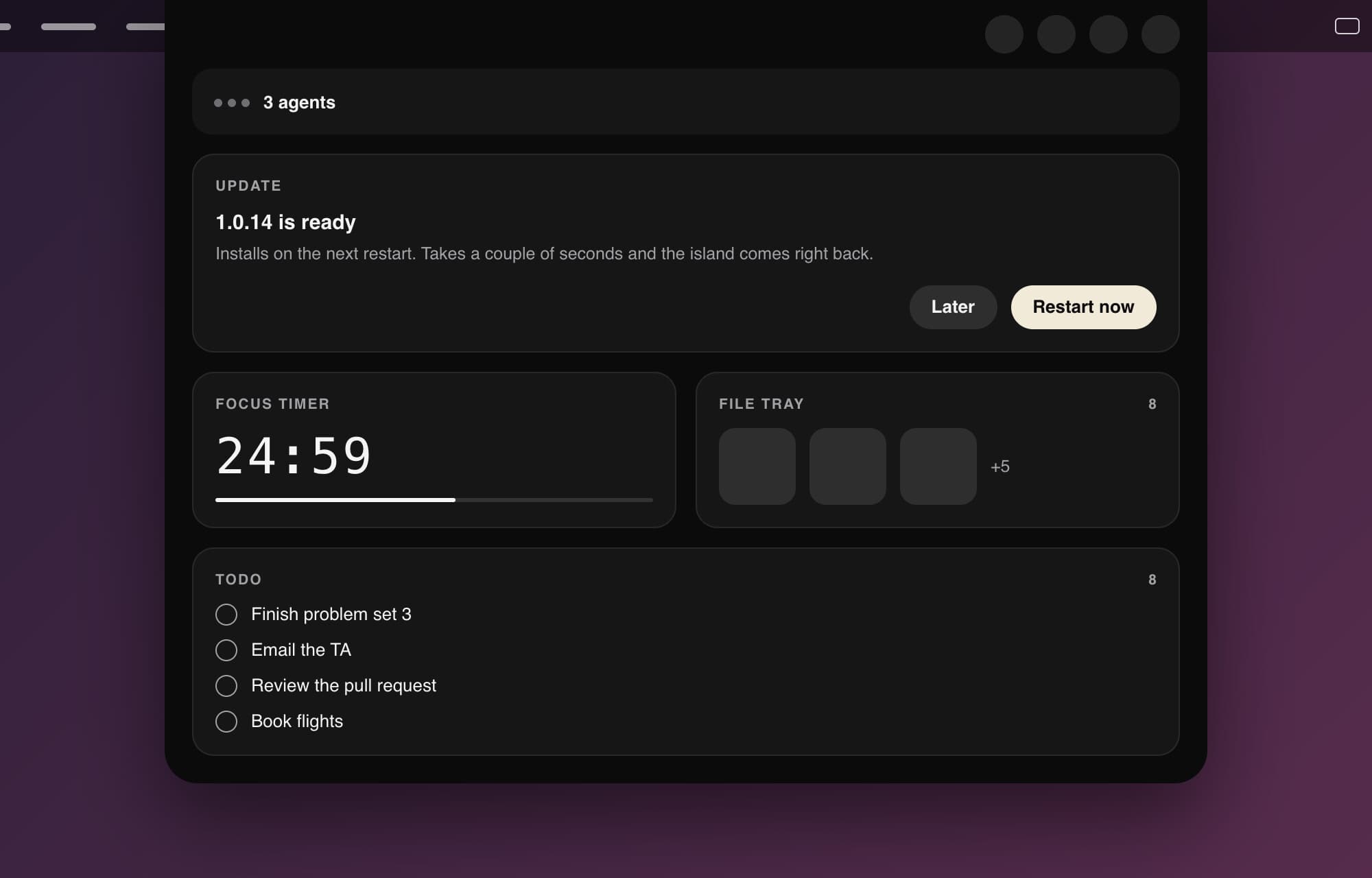
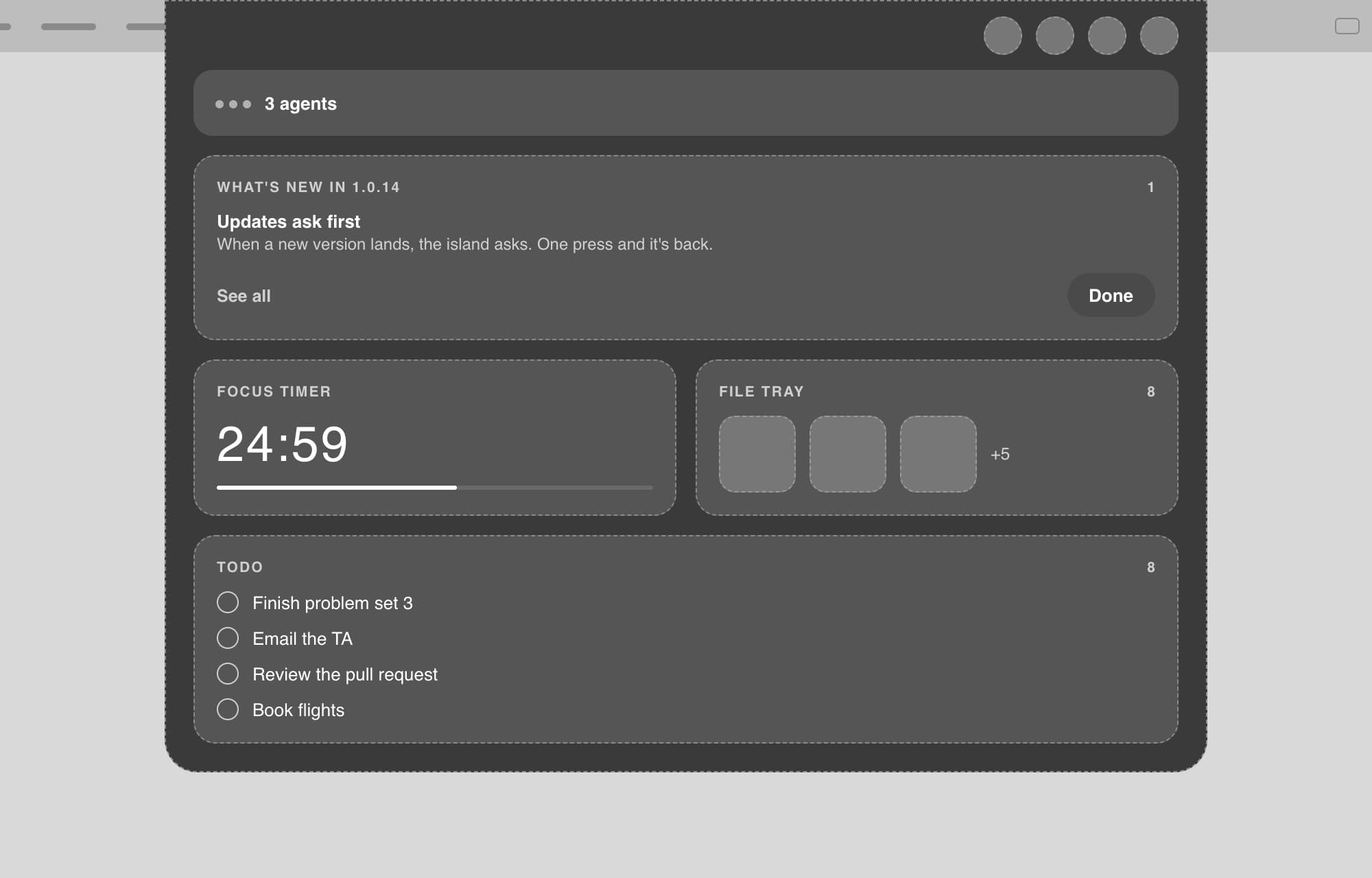
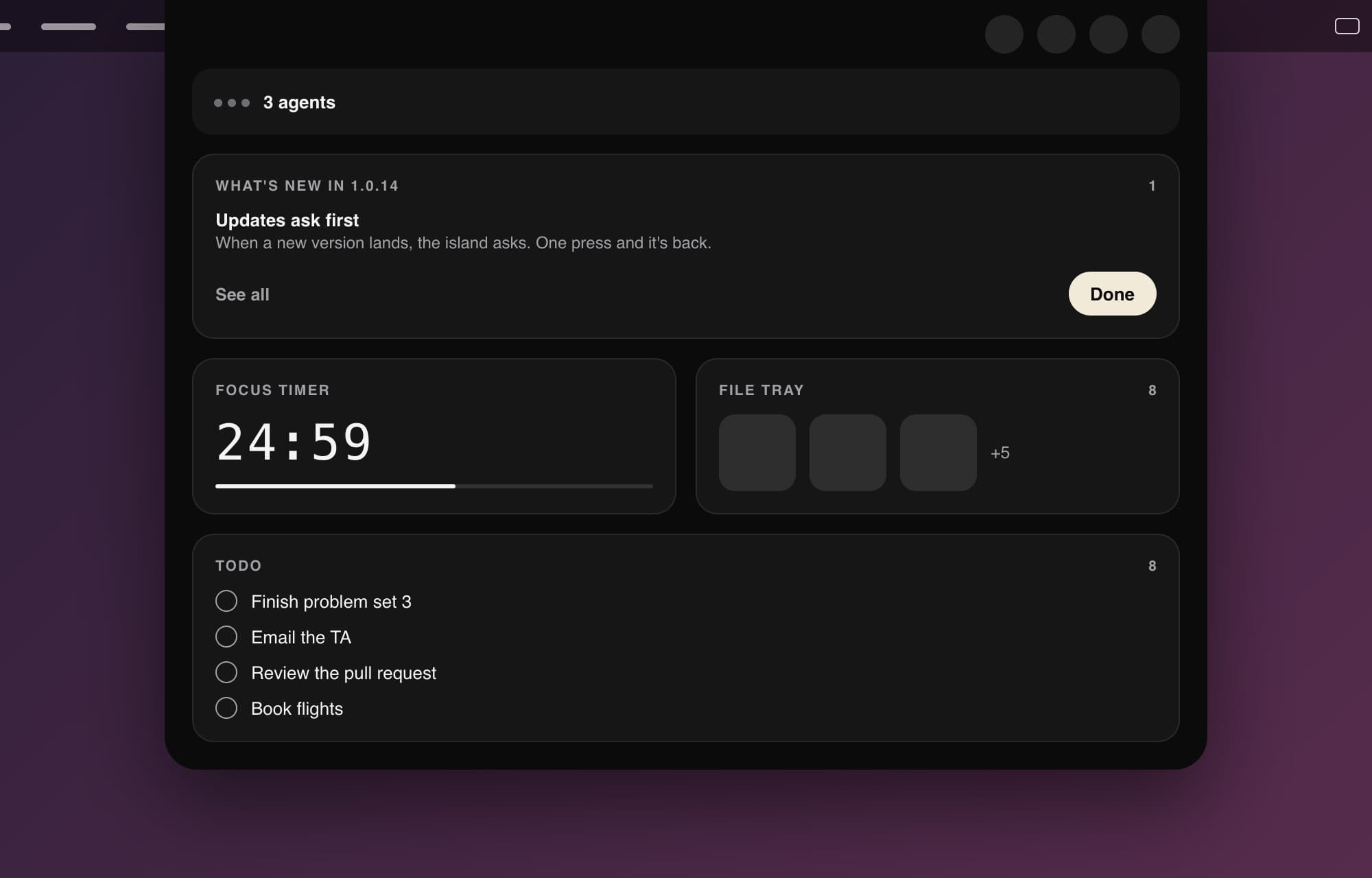
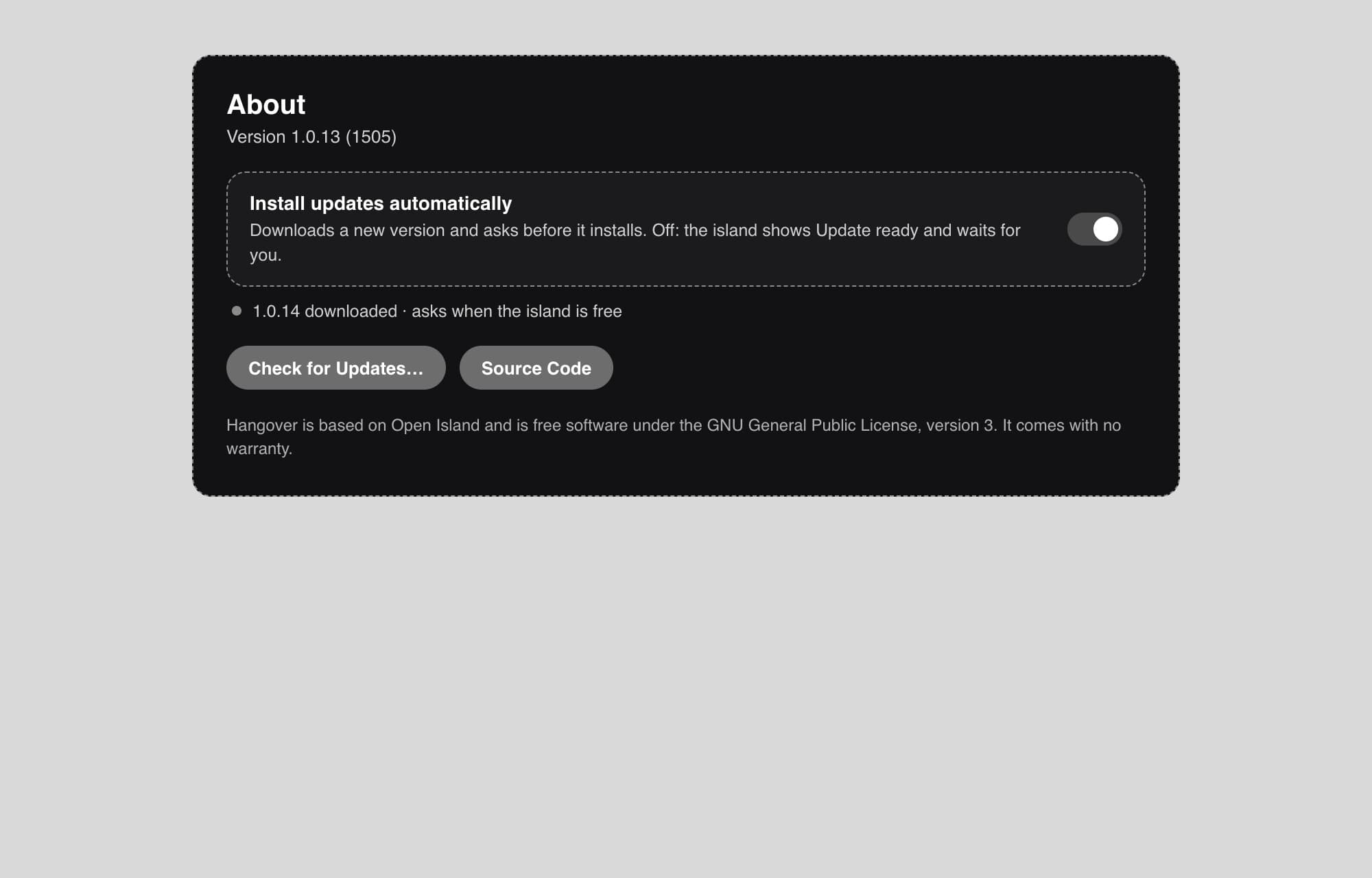
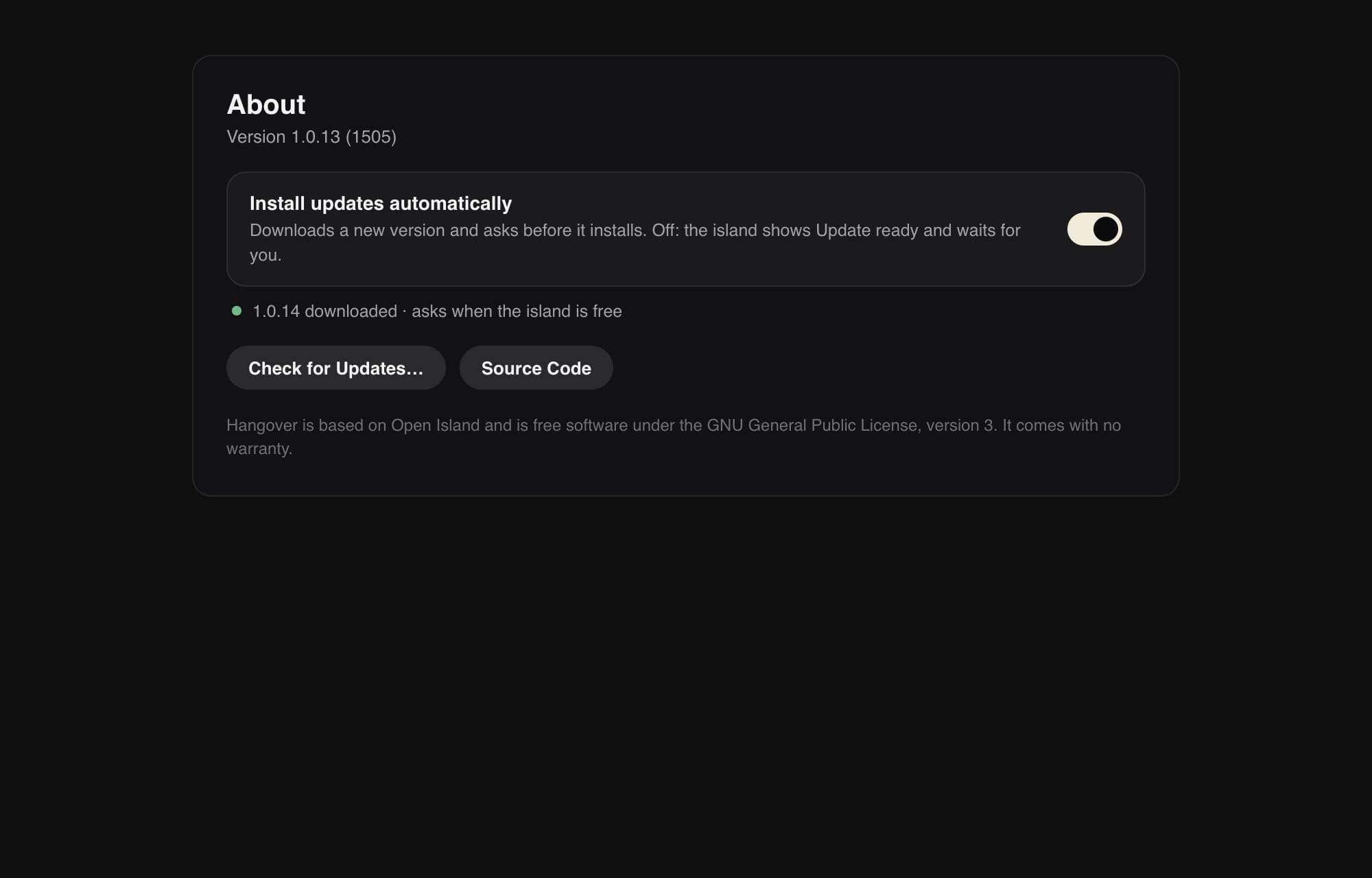
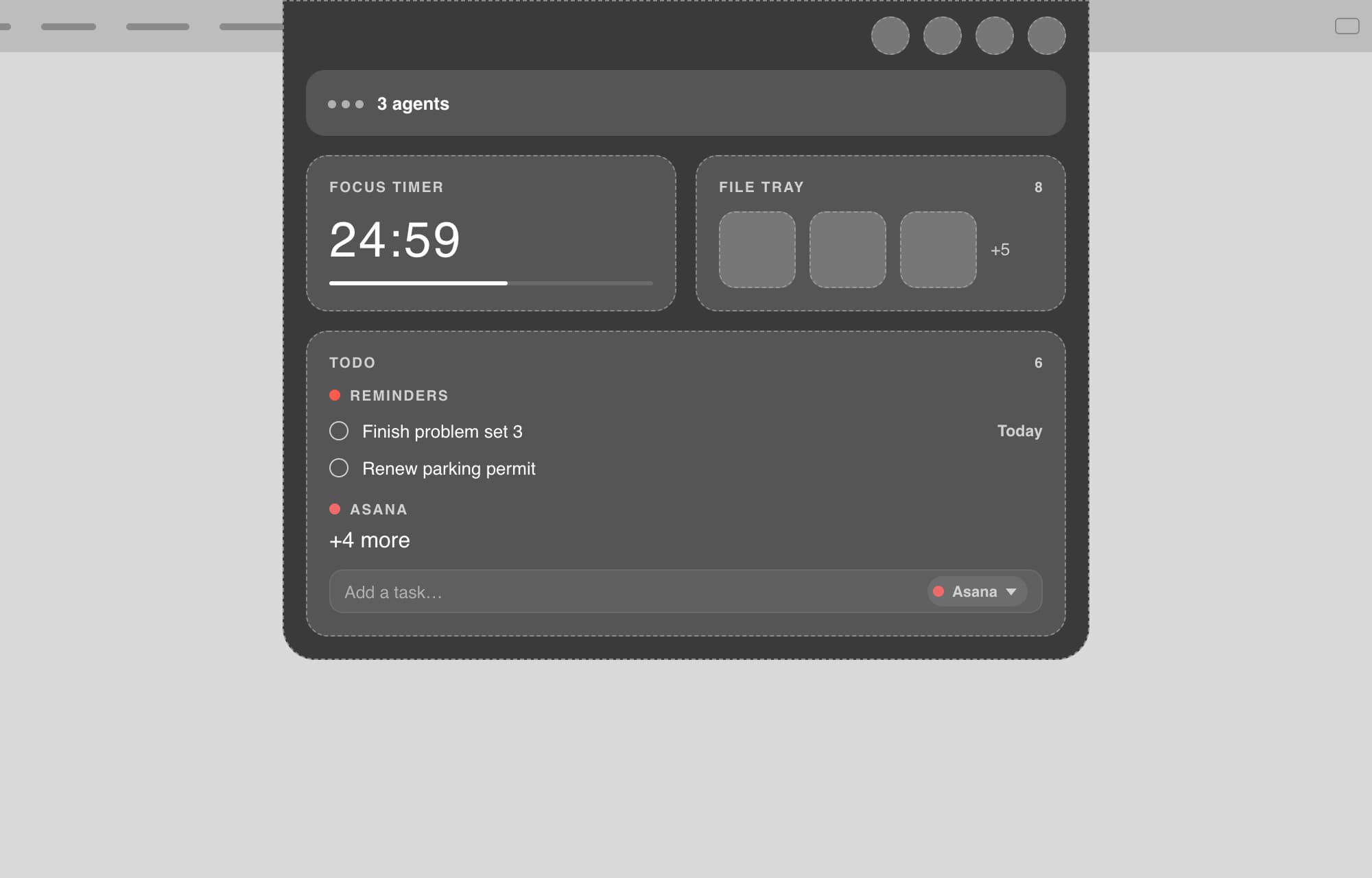
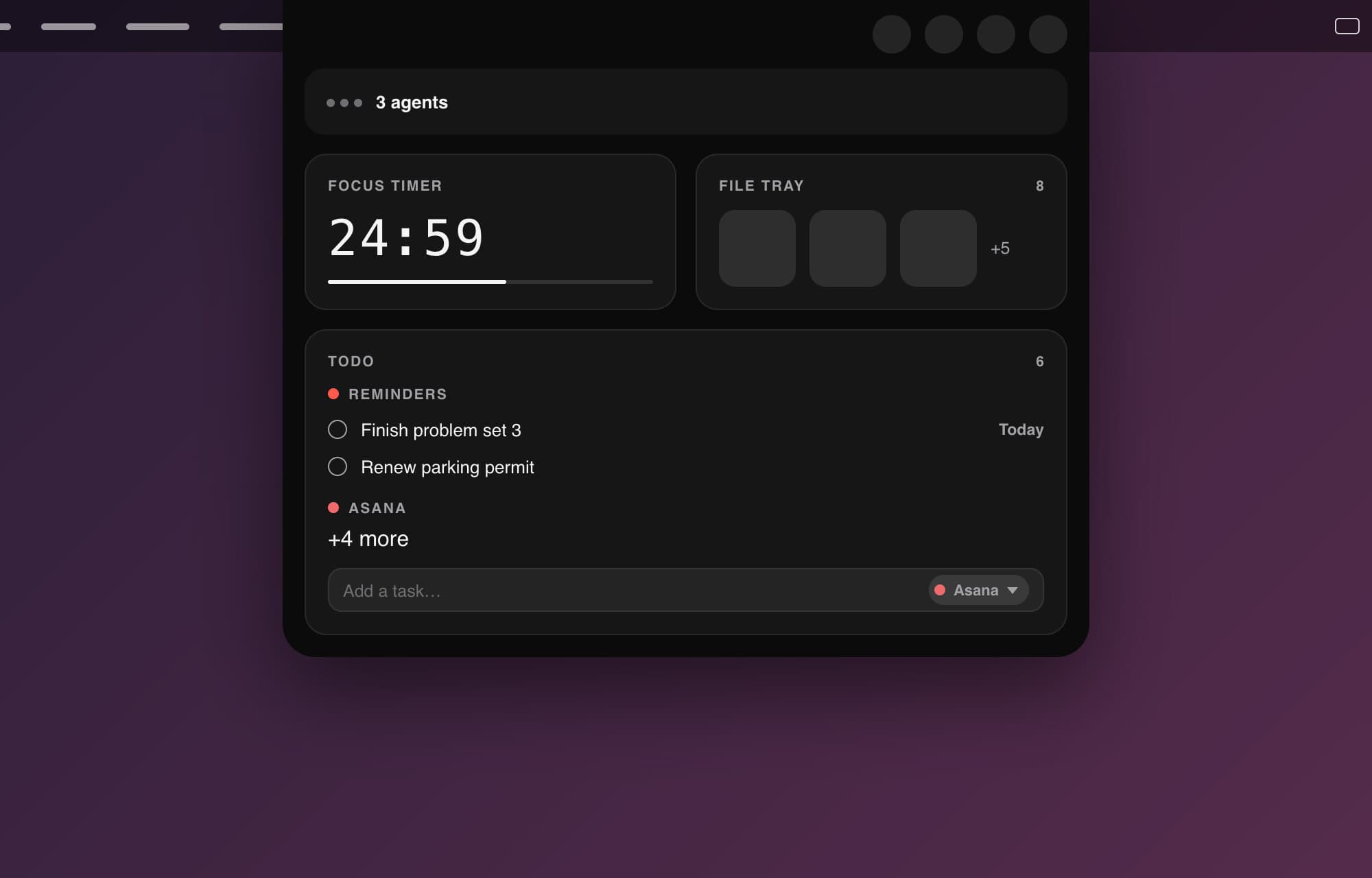
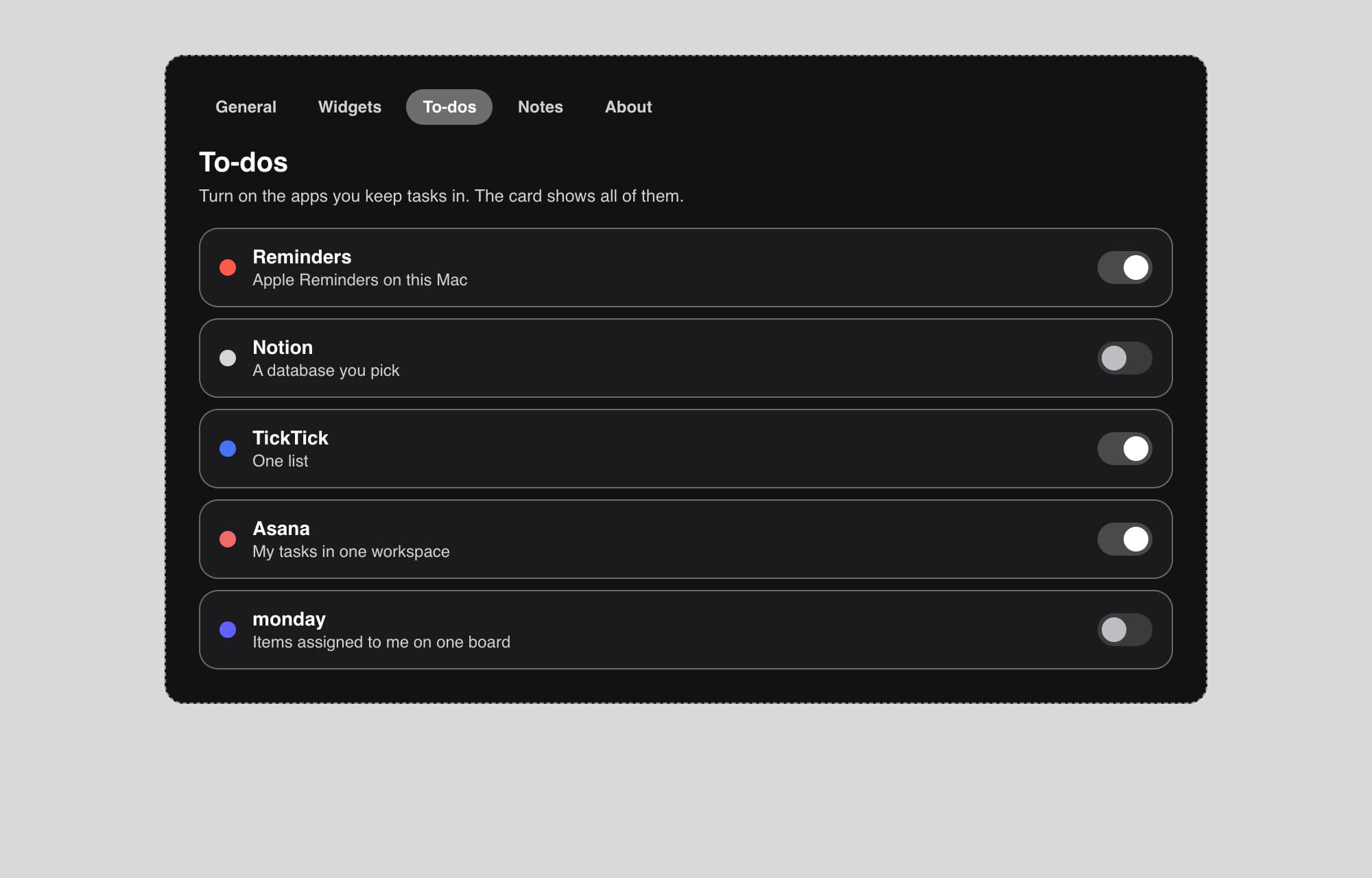
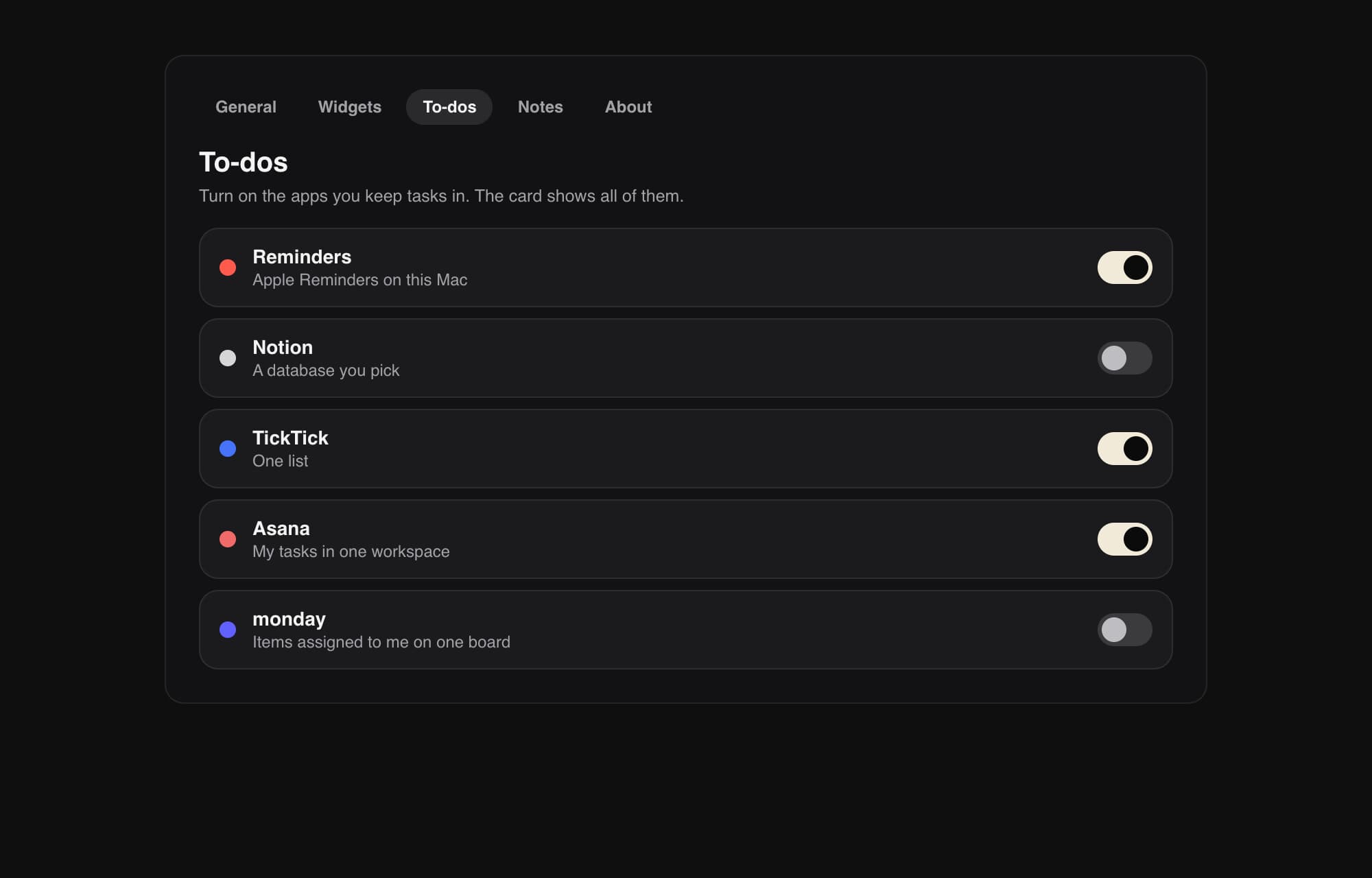
Two of the 1.0.14 features, the update flow and to-dos from more than one app, started in Figma. I planned each screen lo-fi first for the layout, then hi-fi in the app's own look, and built them once they were approved.
What it does
- The Nook
- A widgets page inside the island: music, calendar, to-dos, notes, weather, a timer, a mirror that doubles as a photo booth, a screen recorder, a design kit with an eyedropper, and a file tray.
- To-dos from the apps you already use
- Notion, TickTick, Apple Reminders, Asana, monday and Canvas, every one you turn on in one list. A to-do can carry a due date, and the closed island reminds you the morning it is due.
- Record your screen
- Record the whole screen or one window, with your face in a floating bubble if you want it. The clip lands in the file tray, where it can become a GIF.
- Convert files in the tray
- Drop in an image, a video or a PDF and turn it into another format without leaving the island.
- Layouts and an editor
- Start from a layout template, then press, hold and drag to move and resize widgets until the page fits your day.
- A closed island with something to say
- Each side can show the date, battery, next event, weather, timer or open to-dos, and it has its own look while music plays.
- Swipe it away, if you want it
- A two-finger swipe up closes the island. A sideways swipe on the closed island hides what it shows, and another brings it back. It is an option that stays off until you turn it on in Settings.
- A status glow
- A soft light around the closed island when music plays, an agent needs you or a notice comes in. It can also pulse with the beat of whatever is playing.
- A welcome tour on the real island
- It connects your to-do apps, a notes folder or Apple Notes, and a city for weather. One page walks each widget with buttons to try it, the mirror and the photo booth included.
- Agent features can be switched off
- The coding agent features come from Open Island. I added a switch that turns them off for people who do not use them.
How it's built
- App
- Swift 6.2 with SwiftUI and AppKit.
- Calendar and reminders
- EventKit.
- Recording
- ScreenCaptureKit and AVAssetWriter, with no outside tools.
- Lights
- A Core Audio tap on the Mac's sound output, split into three frequency bands to catch the kick, the snare and the hats.
- Tests
- Swift Testing, over 2,500 tests.
- Performance
- A GIF on the closed island used about 10% of a processor core because every frame was decoded again on every loop. It now decodes once and uses about 0.2%, measured on my Mac in the development build.
- Updates
- The app updates itself through Sparkle, from a signed update feed with an EdDSA signature.
What I'm building next
- 01Spanish.
What I built
- 01Forked Open Island in October 2026 and shipped it as Hangover: the new name, icon, download page and fifteen releases.
- 02Built the screen recorder, the file converter and GIF maker in the tray, and to-dos from six apps in one list.
- 03Built the lights that follow the beat, a search bar in Settings and a send-feedback button.
- 04Designed and built the Nook, its widgets, the layout templates and the press, hold and drag editor.
- 05Designed what the closed island shows on each side and while music plays, and the status glow.
- 06Built the welcome tour and the switch that turns the agent features off.